
HK:net Cloud PBX
Run in Düsseldorf. Connected everywhere.
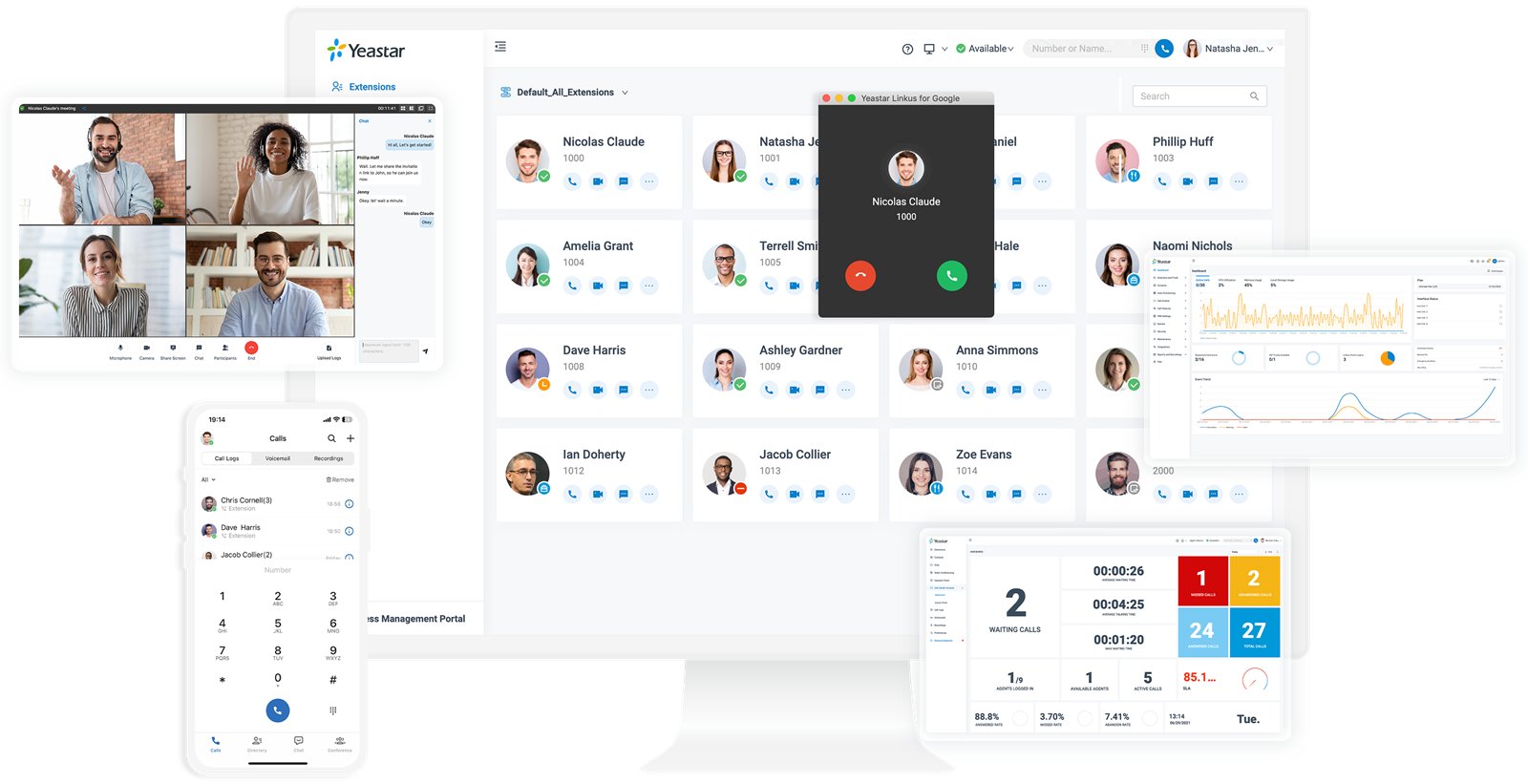
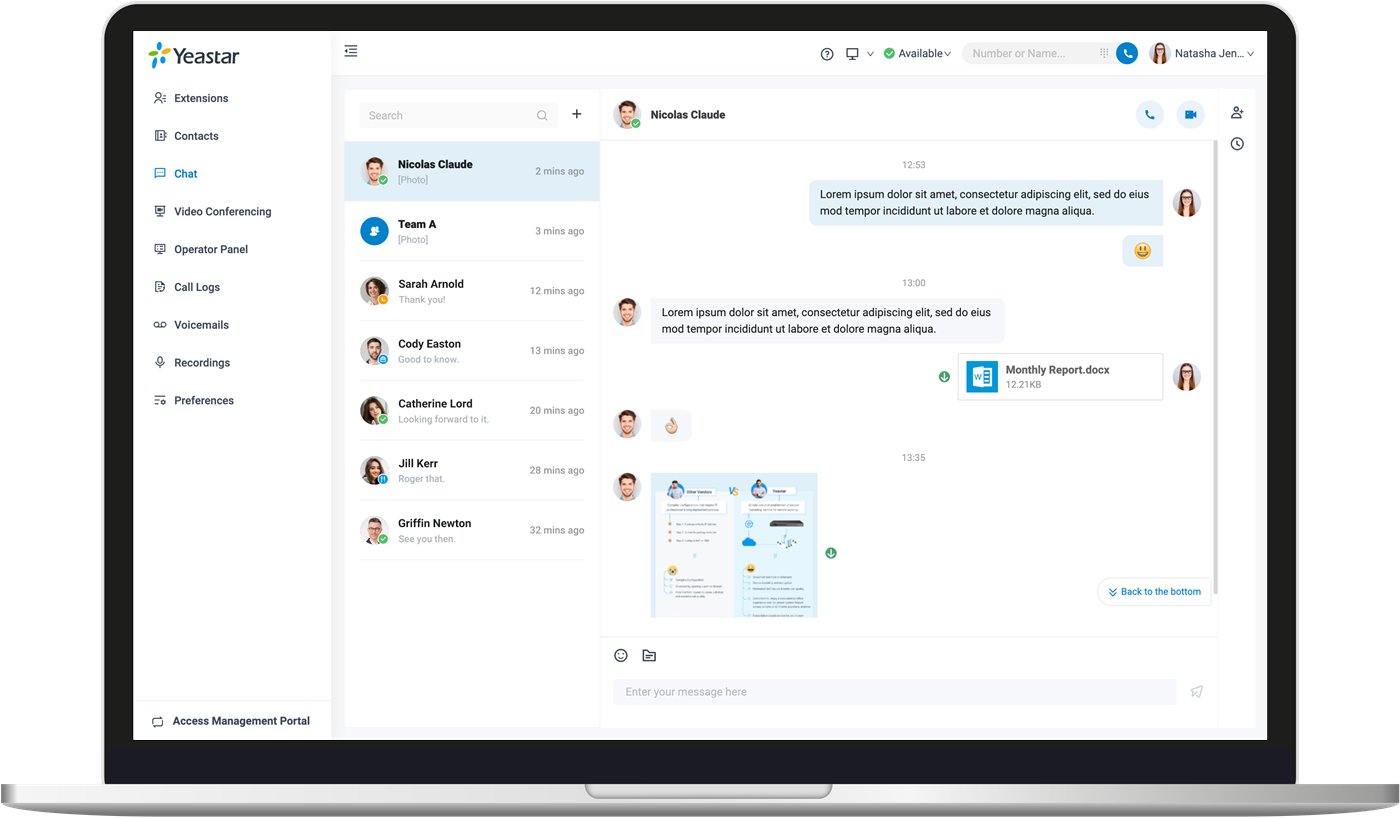
With HK:net Cloud PBX, your team makes calls in the office, from home and on the move – on the computer, in the browser, via the smartphone app or with a suitable IP phone. Live chat and – depending on the edition – video conferencing complement the telephony.
We run your system on a high-availability cluster in our data centre in Düsseldorf and take care of operation, maintenance, updates and backups.
The connection to the public telephone network is made via SIP trunks. We can port your existing numbers on request.
Telephony, contact centre, video conferencing, messaging and integrations – in one cloud phone system, with more than 100 features out of the box.
Telephony
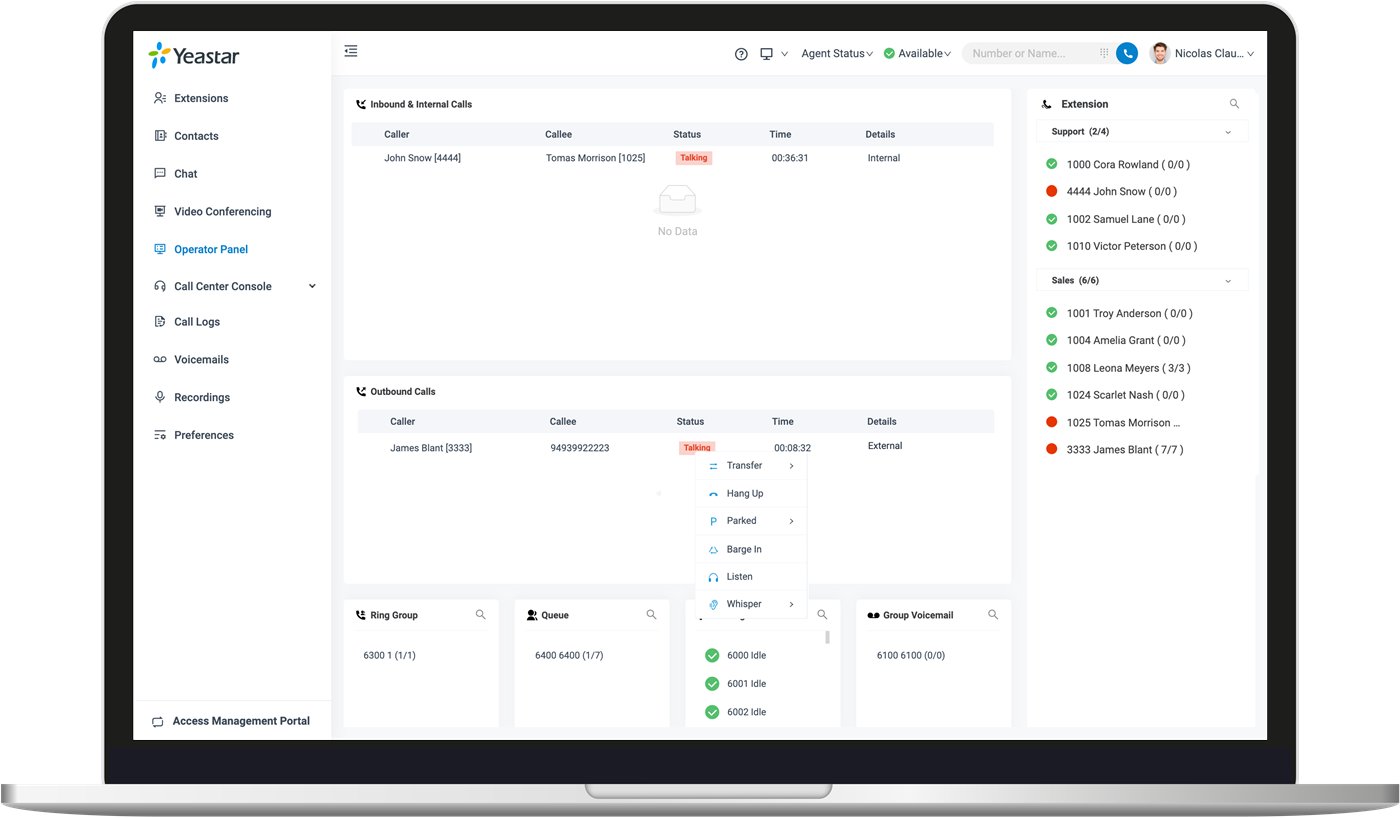
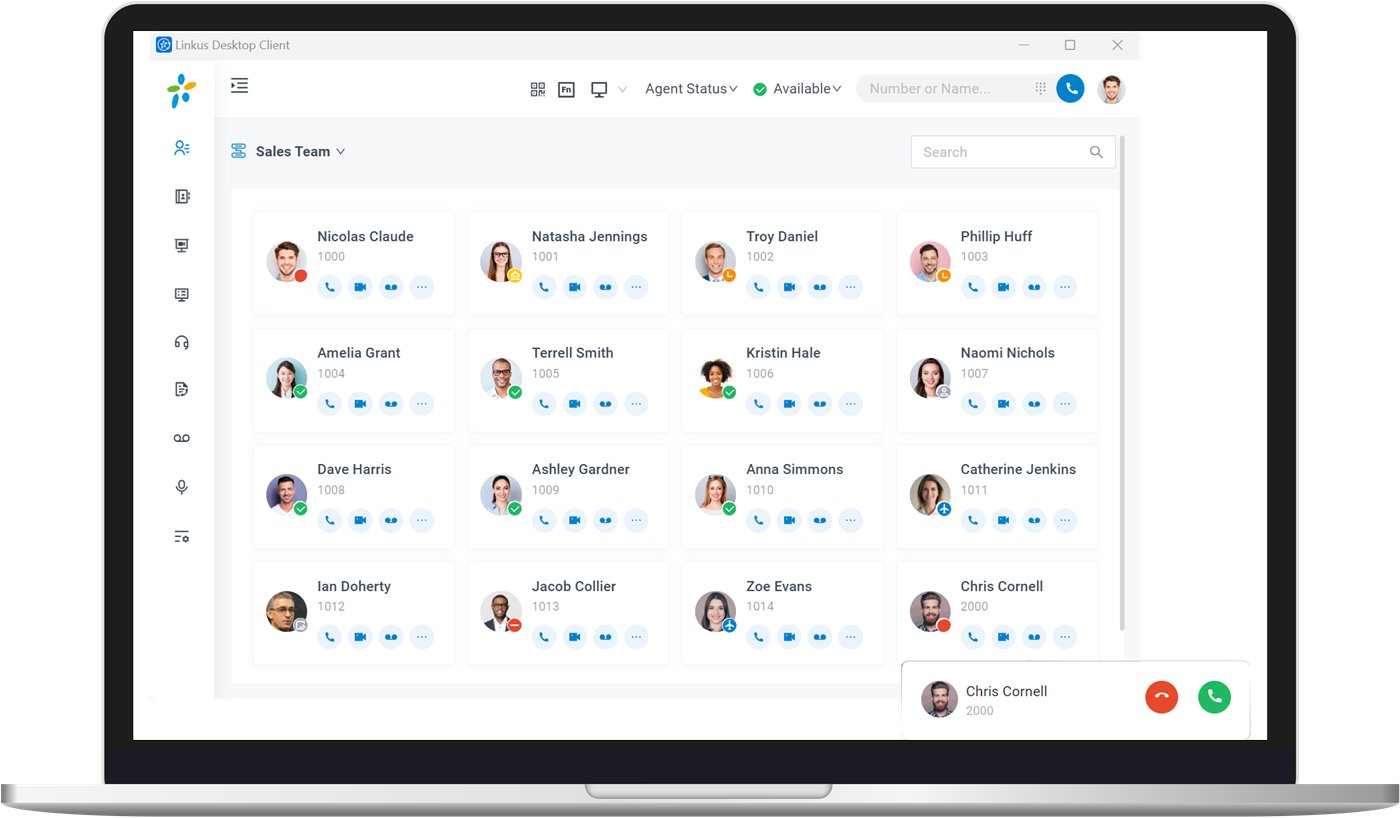
Call control, forwarding, voice menus (IVR), time-based routing, recording and voicemail are all included out of the box. With the HK:net Cloud PBX apps, your employees make calls on their computer, in the browser or on their smartphone when on the move – with the same direct dial number. The operator panel shows all calls at a glance.
Contact centre
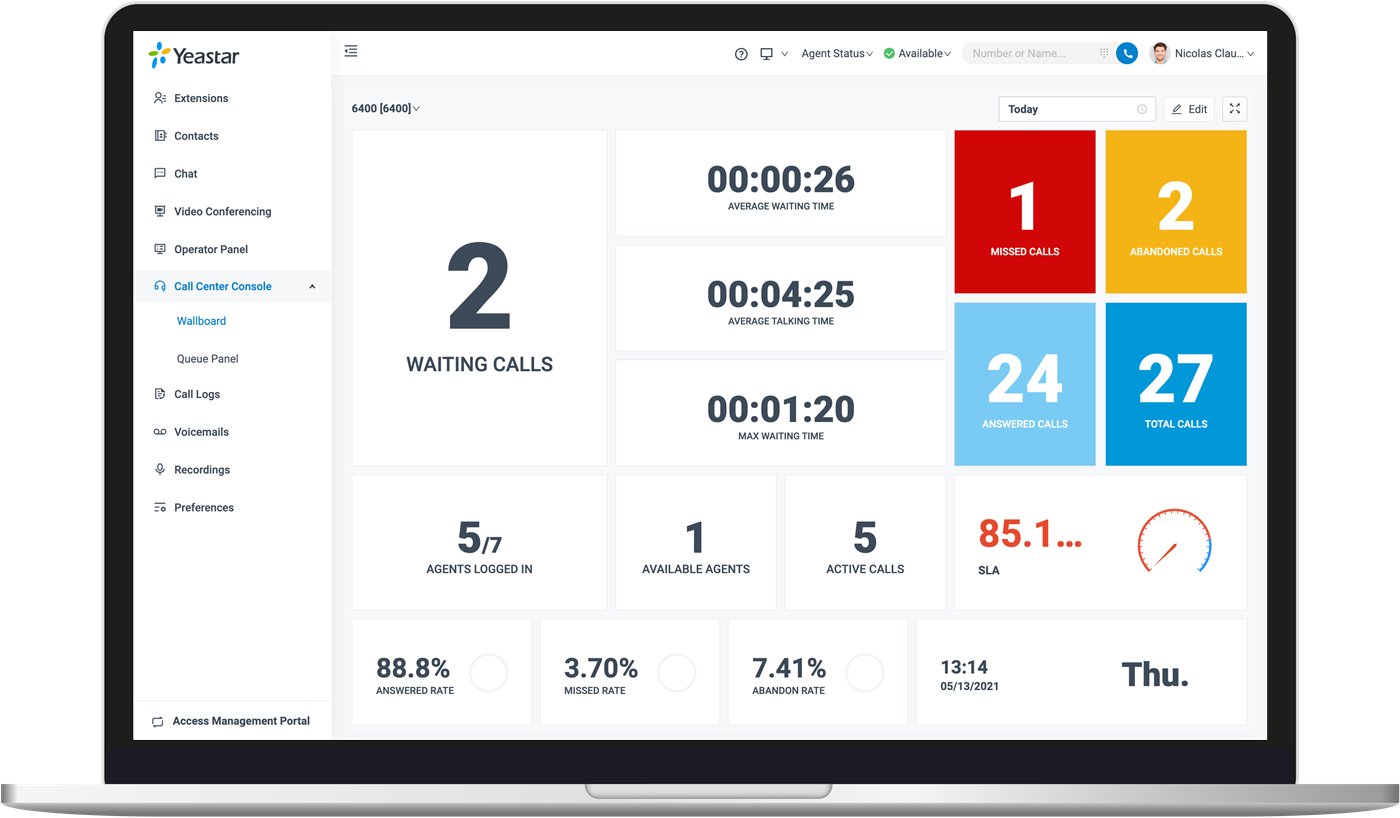
Queues, ring groups and voice menus route callers to the right person. Supervisors see waiting times and workload live on the wallboard, callers can request a callback instead of waiting – and reports show where adjustments are needed.
Video conferencing
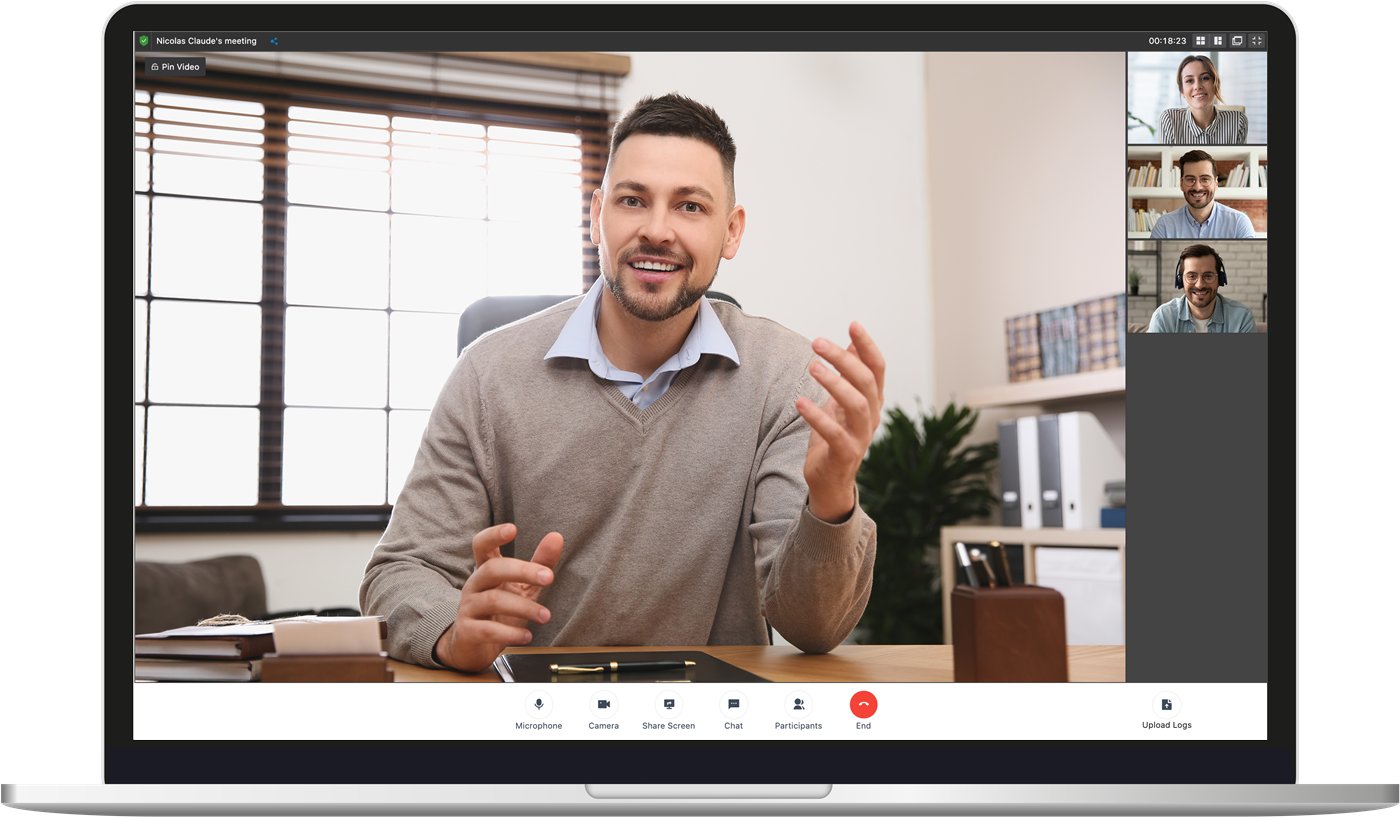
Video conferences run directly in the browser – no download needed, encrypted. With screen sharing, in-meeting chat, moderation features, waiting room and password protection. You send invitations as a link or collectively by email. Included in the Ultimate edition.
Omnichannel messaging
Website chat, WhatsApp, SMS and Facebook all arrive in one shared inbox. Chats can be assigned or passed on to colleagues, turned into a call with one click, and are automatically matched to the right contact in your CRM.
Integrations
Make calls directly from Microsoft Teams and Outlook, start calls from your CRM or helpdesk and have them logged there automatically – for example with Salesforce, HubSpot, Zoho, Microsoft Dynamics 365 or Zendesk. Open interfaces (APIs) are available for your own integrations.
With the graphical designer, you decide what happens to calls and messages – by drag and drop, with no programming at all. Conditions, announcements, forwarding and queries in your CRM or database can be combined freely. Available in the Ultimate edition.
Price calculator
Choose the number of extensions and the edition – the monthly price is calculated instantly. The more extensions, the lower the price per extension.
Prices per extension per month. For nine extensions, the lower total price for ten extensions already applies. All prices are net prices and are intended exclusively for businesses within the meaning of Section 14 of the German Civil Code (BGB); plus statutory VAT. Ultimate: plus €1.00 per extension. To connect to the telephone network, you will also need SIP trunks.
Your price per month
€60.00
10 extensions · equivalent to €6.00 per extension
More than 50 extensions
Individual quote
For larger installations, we will be happy to prepare a personal quote for you.
All prices excl. VAT.
Encrypted access for home offices, field staff and additional sites – phones and apps connect securely, without complex network configuration.
Encrypted calls (TLS/SRTP), firewall and automatic attack defence, two-factor sign-in, and country and number blocking.
Your phone system runs on our infrastructure in Düsseldorf – including automatic updates and backups. We take care of servers and maintenance.
You manage users, numbers and devices conveniently in the web portal. Desk phones are set up automatically (auto-provisioning).
A selection of the most important features. The exact scope depends on the edition you choose (Editions compared) – we will be happy to advise you.
HK:net Cloud PBX is available in the Enterprise and Ultimate editions. Enterprise covers everything businesses need for telephony, collaboration and customer service. Ultimate adds video, flow designers and advanced integrations.
| Feature | Enterprise | Ultimate |
|---|---|---|
| In both editions | ||
| TelephonyForwarding, transfer, parking, IVR, queues, ring groups, conference rooms | ||
| Business featuresCall recording, voicemail, fax to email, manager–assistant call handling, BLF | ||
| Management and securityWeb portal, auto-provisioning, roles and permissions, SRTP/TLS, two-factor authentication | ||
| Linkus UC clientsWeb, desktop (Windows, macOS) and mobile (iOS, Android), operator panel | ||
| Team chatOne-to-one and group chat, file sharing | ||
| Inbound call centreSkill-based routing, queue callback, wallboard, reports | ||
| Omnichannel messagingLive chat, SMS, WhatsApp and Facebook in one inbox | ||
| CRM and helpdesk integrationincluding Salesforce, HubSpot, Zoho, Microsoft Dynamics 365, Zendesk | ||
| Microsoft 365 and GoogleTeams and Outlook integration, Entra ID and Google Workspace with single sign-on² | ||
| Data connectivity and archivingData Connector (e.g. Power BI, Grafana), archiving to external storage | ||
| AI featuresAI receptionist, call transcription and summarisation¹ | ||
| Additionally in Ultimate | ||
| Call Flow DesignerDesign call flows by drag and drop | – | |
| Message Flow Designerautomated message flows and routing | – | |
| Video callingVideo calls in the web, desktop and mobile client | – | |
| Video conferencingwith screen sharing, invitation link and in-meeting chat | – | |
| Windows Active DirectoryUser and group synchronisation, single sign-on | – | |
| Linkus Client SDKIntegrate telephony into your own applications | – | |
| Audio streaming via WebSocketPass call audio to external systems, e.g. for your own AI applications | – | |
A selection of the most important differences; feature scope according to the manufacturer. ¹ Some AI features are available as a chargeable add-on, billed per minute. ² Some integrations may require additional licences. We will be happy to advise you on which edition suits you.
HK:net Cloud PBX is based on phone system software from Yeastar. You will find suitable SIP trunks for your system under our SIP trunks.
Your phone system runs on our infrastructure in Düsseldorf – including automatic updates and backups. We take care of servers and maintenance.

Tell us what you have in mind – we will get back to you personally. Would you rather talk directly?
+49 211 6022440